
Graphite Notebook
Traços soltos de grafite com variação de pressão, ideais para storyboards e esboços de aula.
Adiciona “rough graphite sketch, pencil texture, hatch shading, muted paper grain” a cada prompt.
O Doodle AI transforma ideias em linguagem simples e imagens de referência em visuais desenhados à mão. Escolha uma predefinição de lápis, marcador, giz de cera, wireframe ou arte de linha e depois abra e salve imagens para anotações, aulas, adesivos e slides.
Laboratório Infinite Sketchbook
Descreva um adesivo, wireframe ou doodle de aula em linguagem simples. O Doodle AI combina sua ideia com um estilo do Pen Lab e o tamanho de saída escolhido.
0 / 2000
Toque em uma predefinição para inserir automaticamente a química do Pen Lab antes do prompt. Ideal para manter a marca sem ajustar parâmetros avançados.
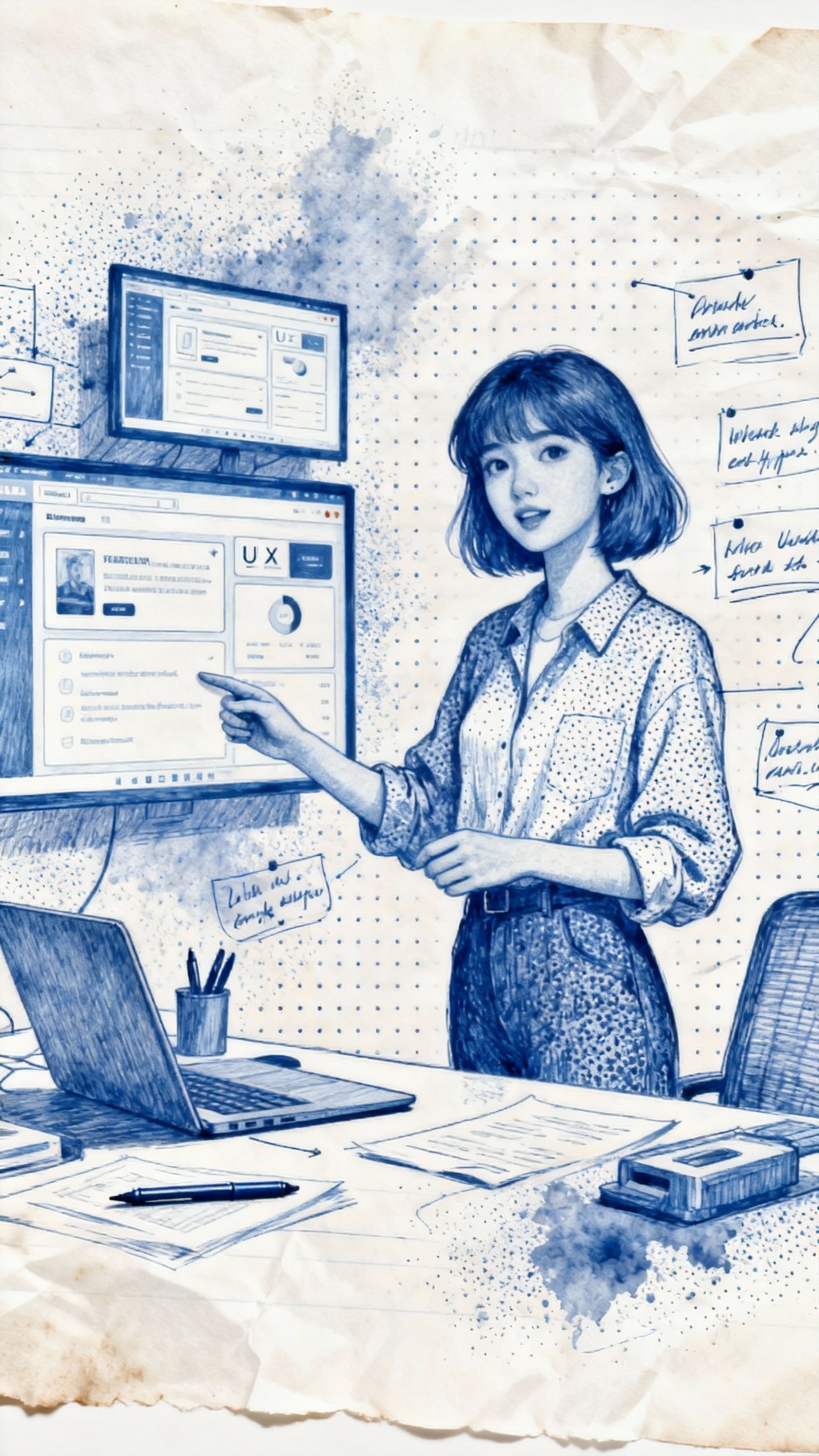 Exemplo de resultado de doodle
Exemplo de resultado de doodle
Pen Lab
Escolha uma predefinição tátil para adicionar ao prompt direções de hachura, textura de tinta e estilo de papel. Sem controles deslizantes nem reescrita manual do prompt.
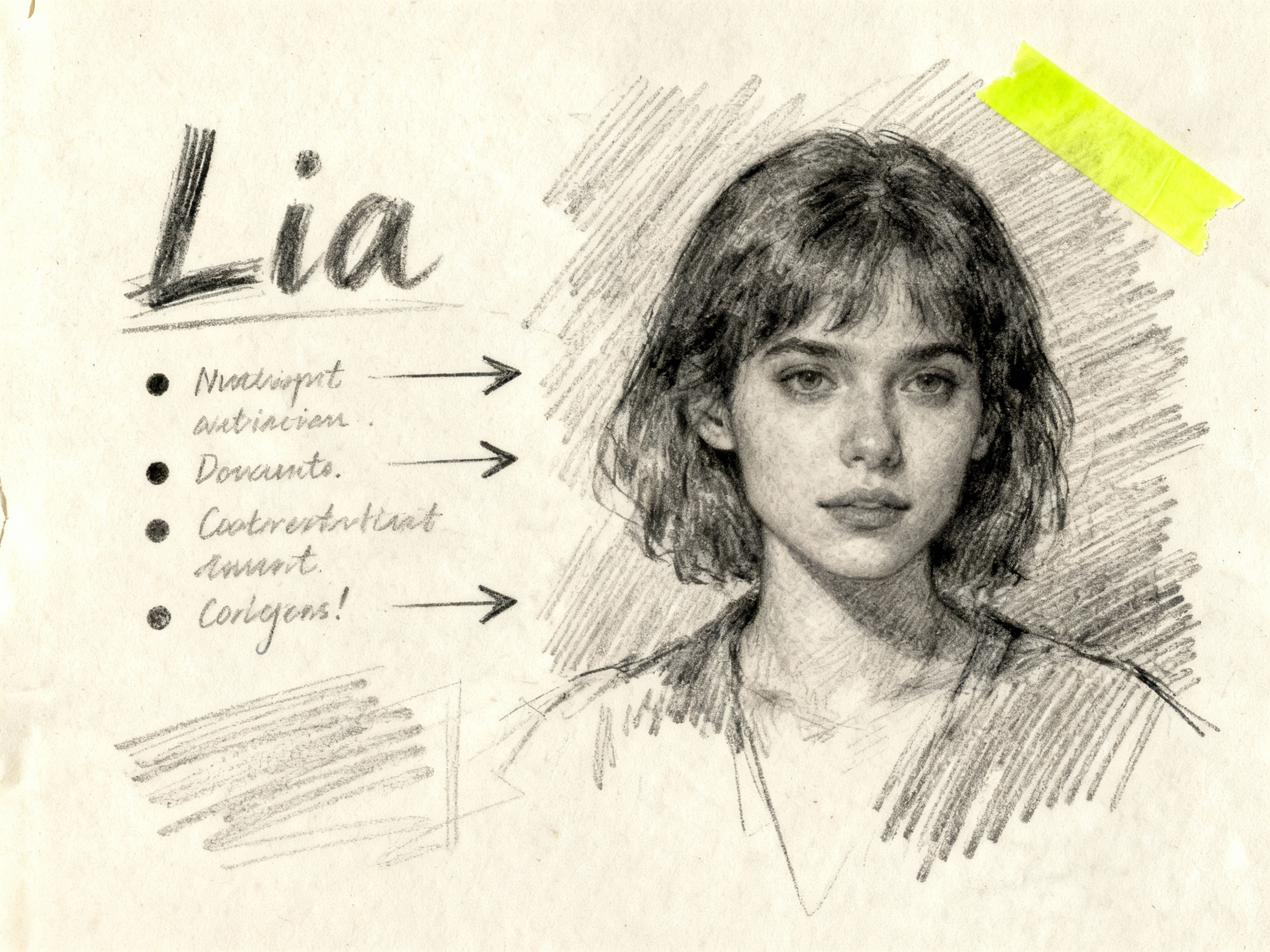
Traços soltos de grafite com variação de pressão, ideais para storyboards e esboços de aula.
Adiciona “rough graphite sketch, pencil texture, hatch shading, muted paper grain” a cada prompt.
Clima de papel de escritório para wireframes de UX e anotações de reunião, com pontilhismo e sangramento de tinta.
Insere automaticamente “blue ballpoint ink, stippling, office paper, toner smudge” e espaçamento de margem branca.
Preenchimentos estilo Sharpie, contornos fortes e sombreamento posterizado para adesivos e slides.
Adiciona “thick marker, solid fill, bold outline, risograph speckle, drop shadow tape corners”.
Textura de cera descontraída para visuais educacionais e conceitos de páginas para colorir.
Adiciona “waxy crayon, kids art, uneven pigment, off-register print, clean white border”.
Linhas de UI de baixa fidelidade com grades blueprint para ideação rápida.
Adiciona “lo-fi wireframe, blueprint grid, mono weight stroke, margin annotations”.
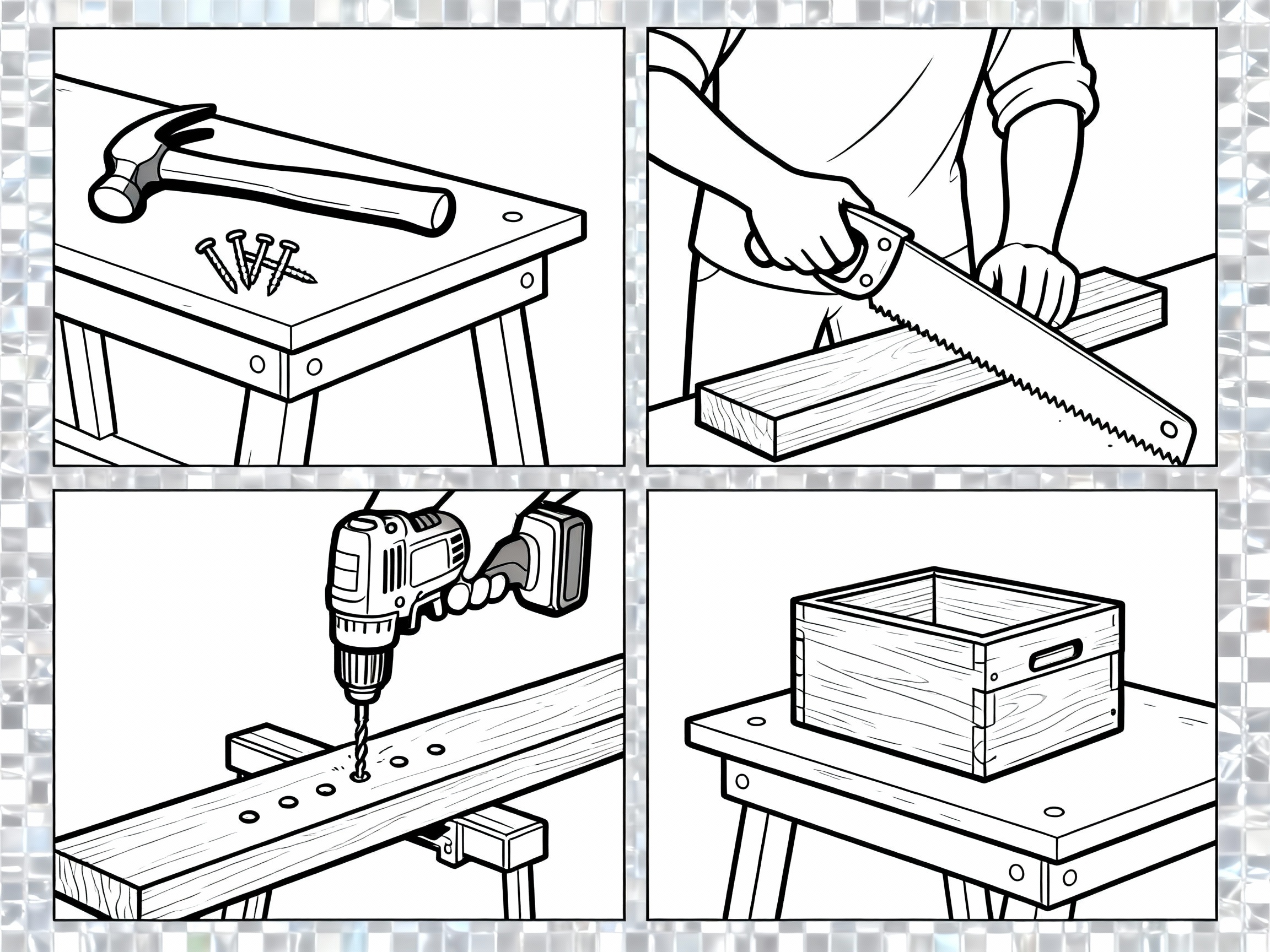
Adiciona uma direção de contorno preto limpo para páginas de colorir e conceitos simples de arte de linha.
Adiciona “single weight black line, no fill, clean outlines, printable coloring book” ao prompt.
Passe por cadernos, folhas de adesivos e páginas de sala de aula para ver como o gerador de doodles com IA fica no papel.
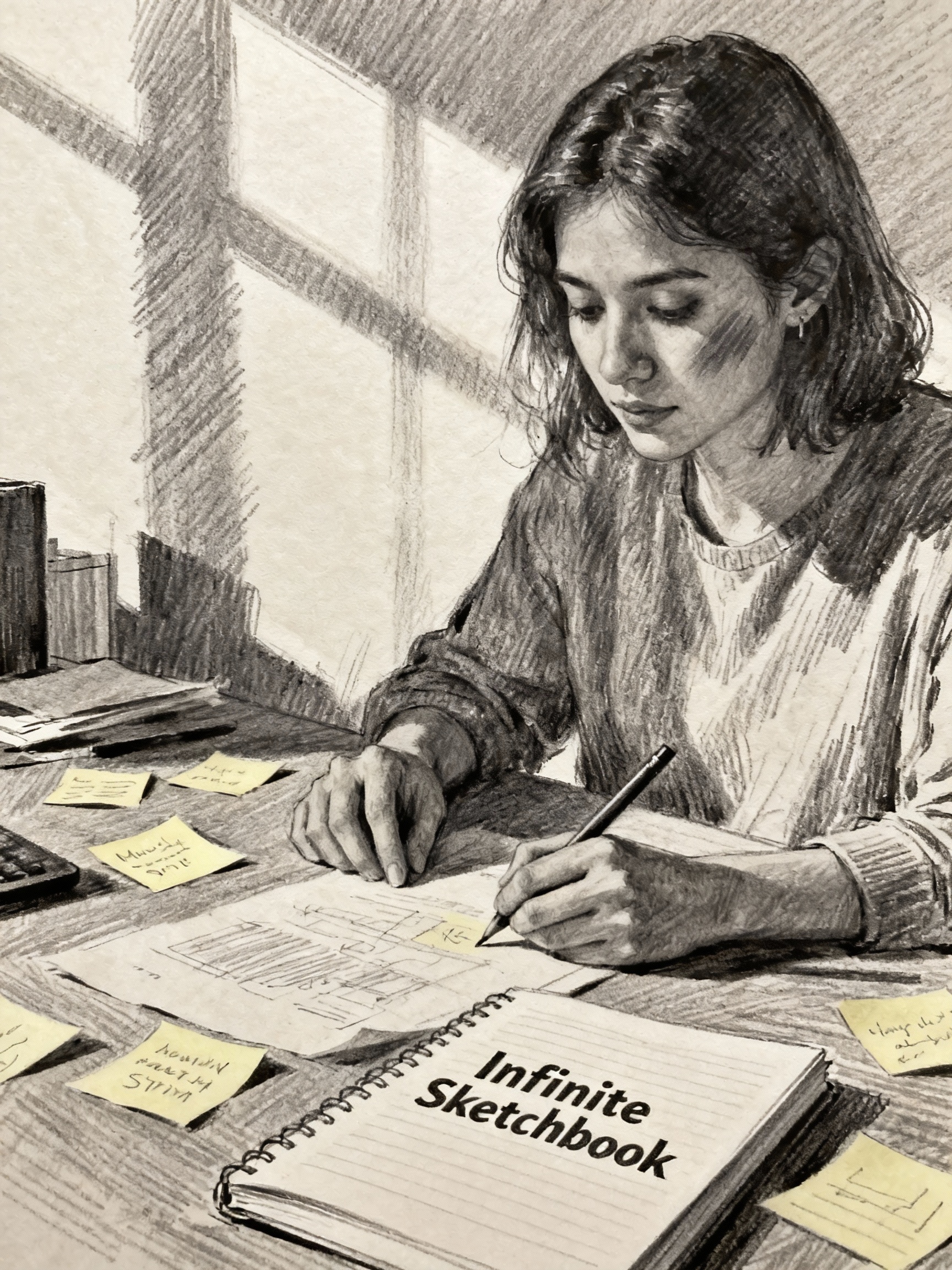
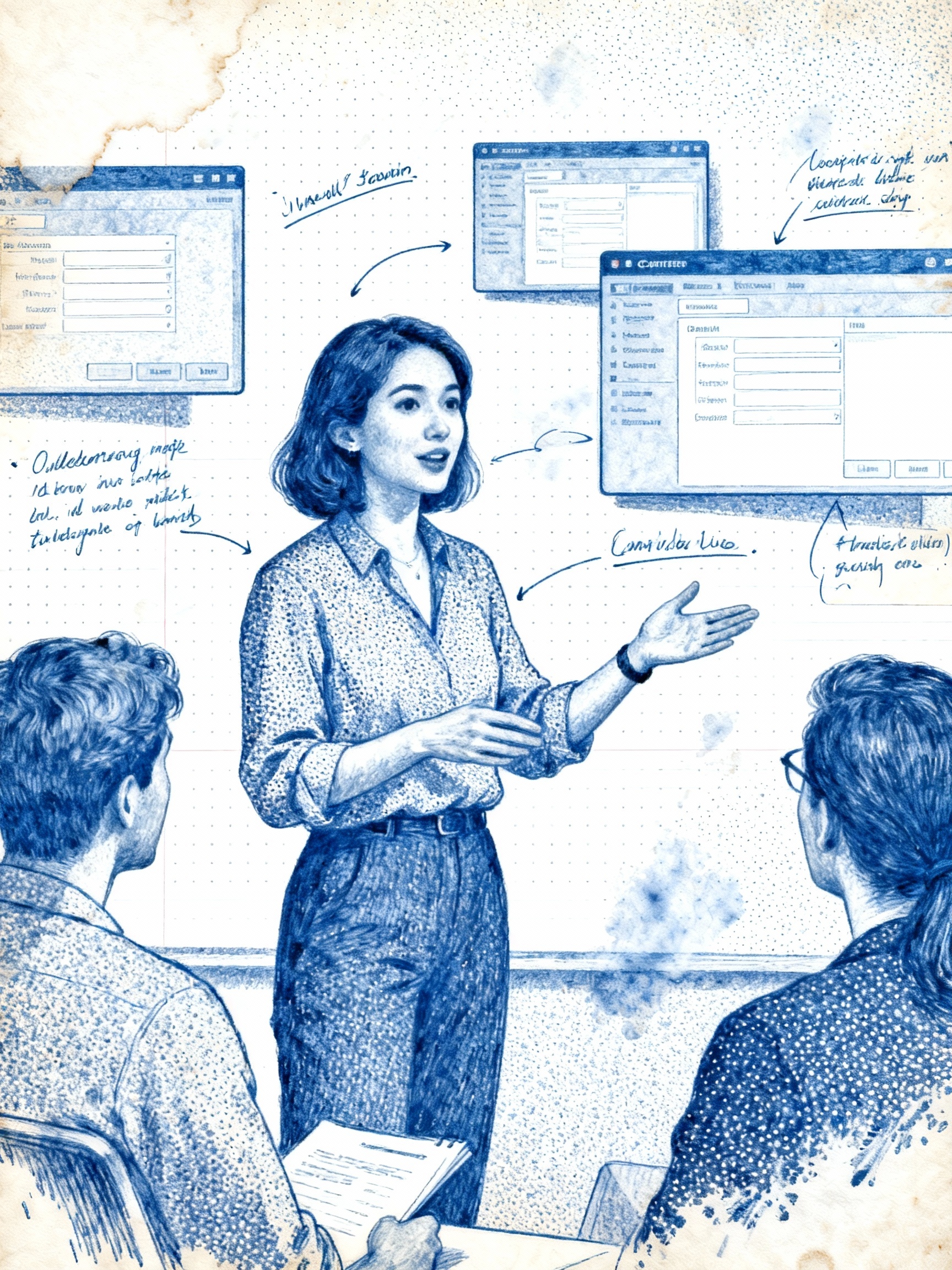
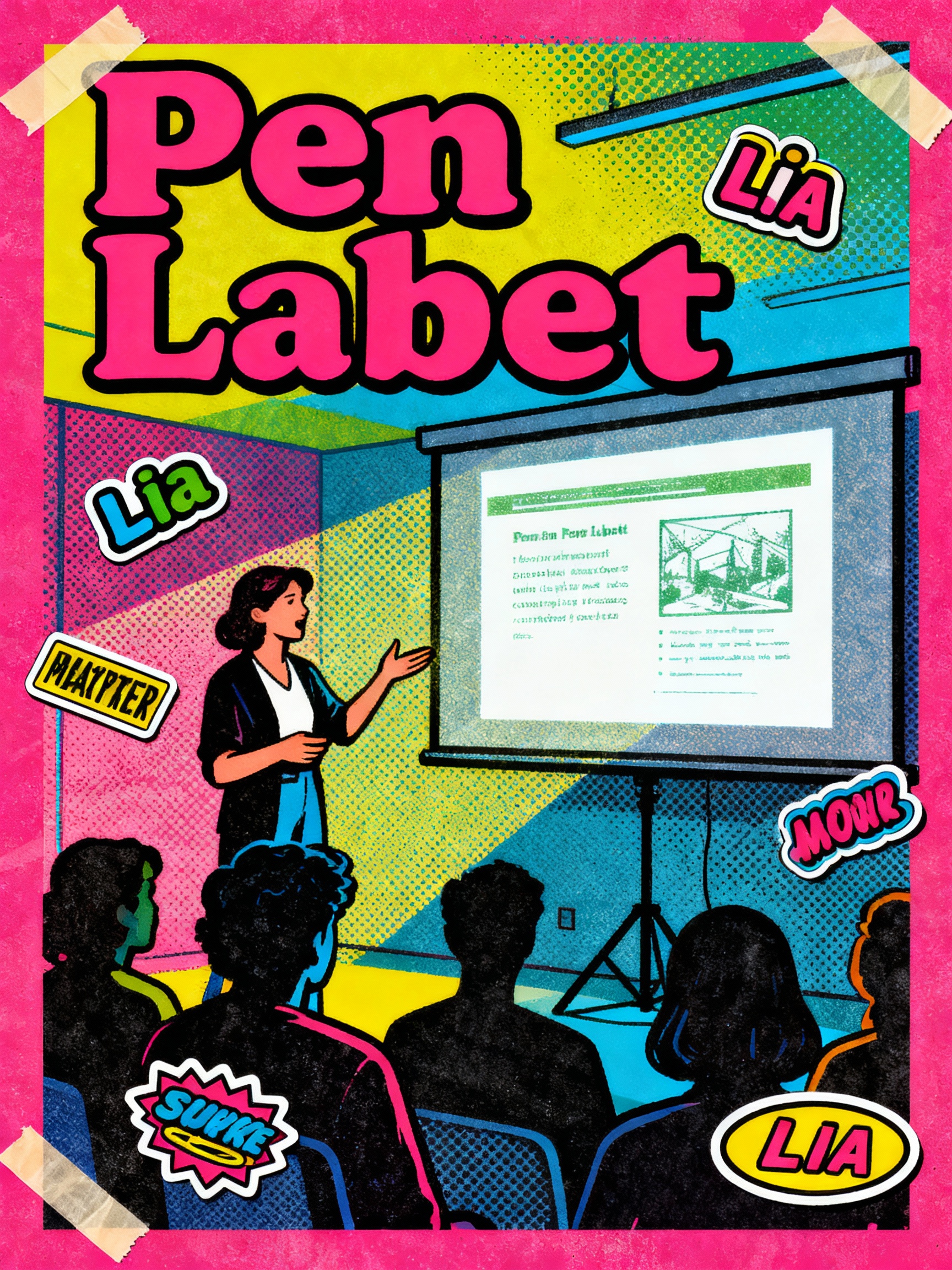
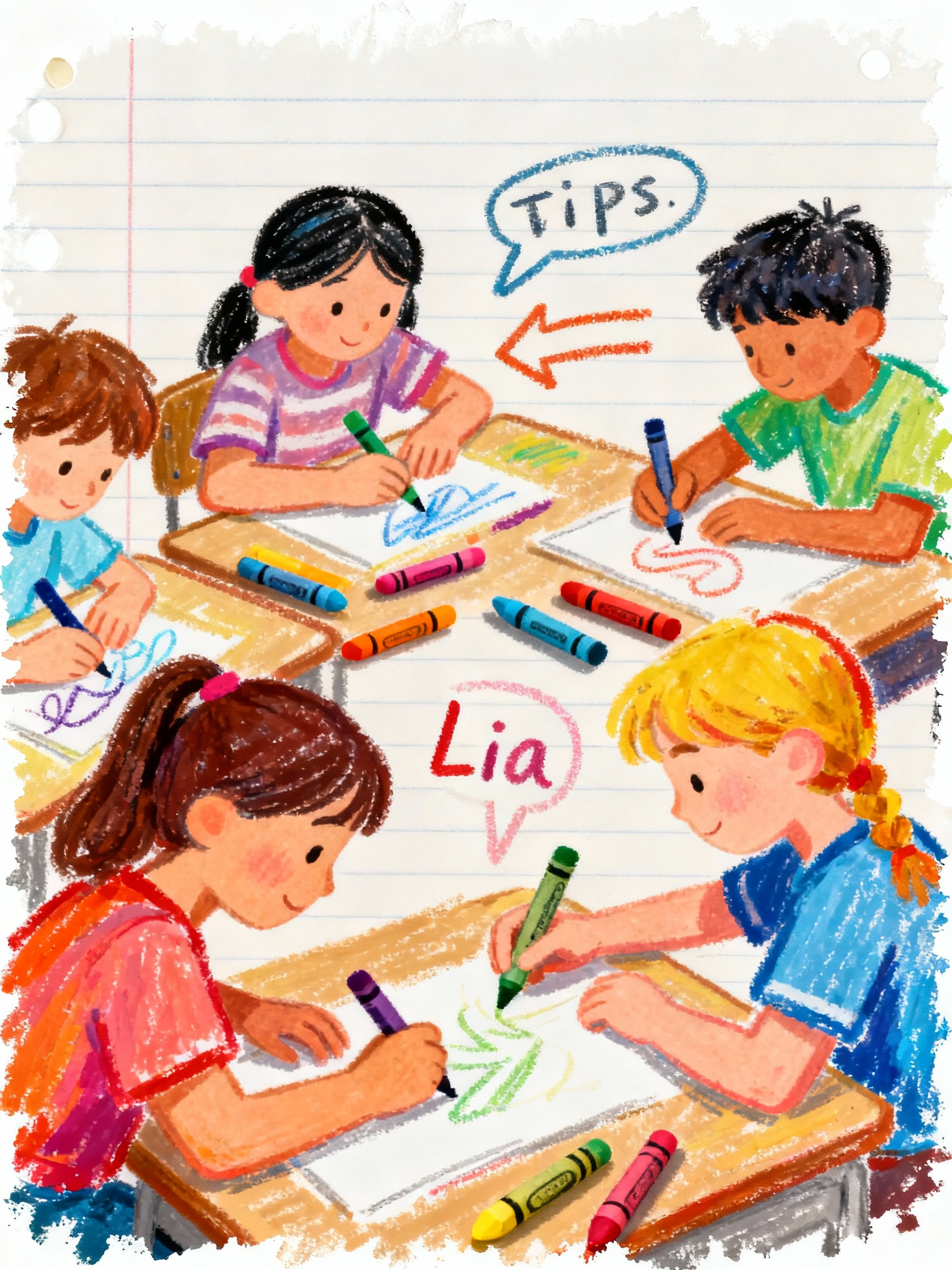
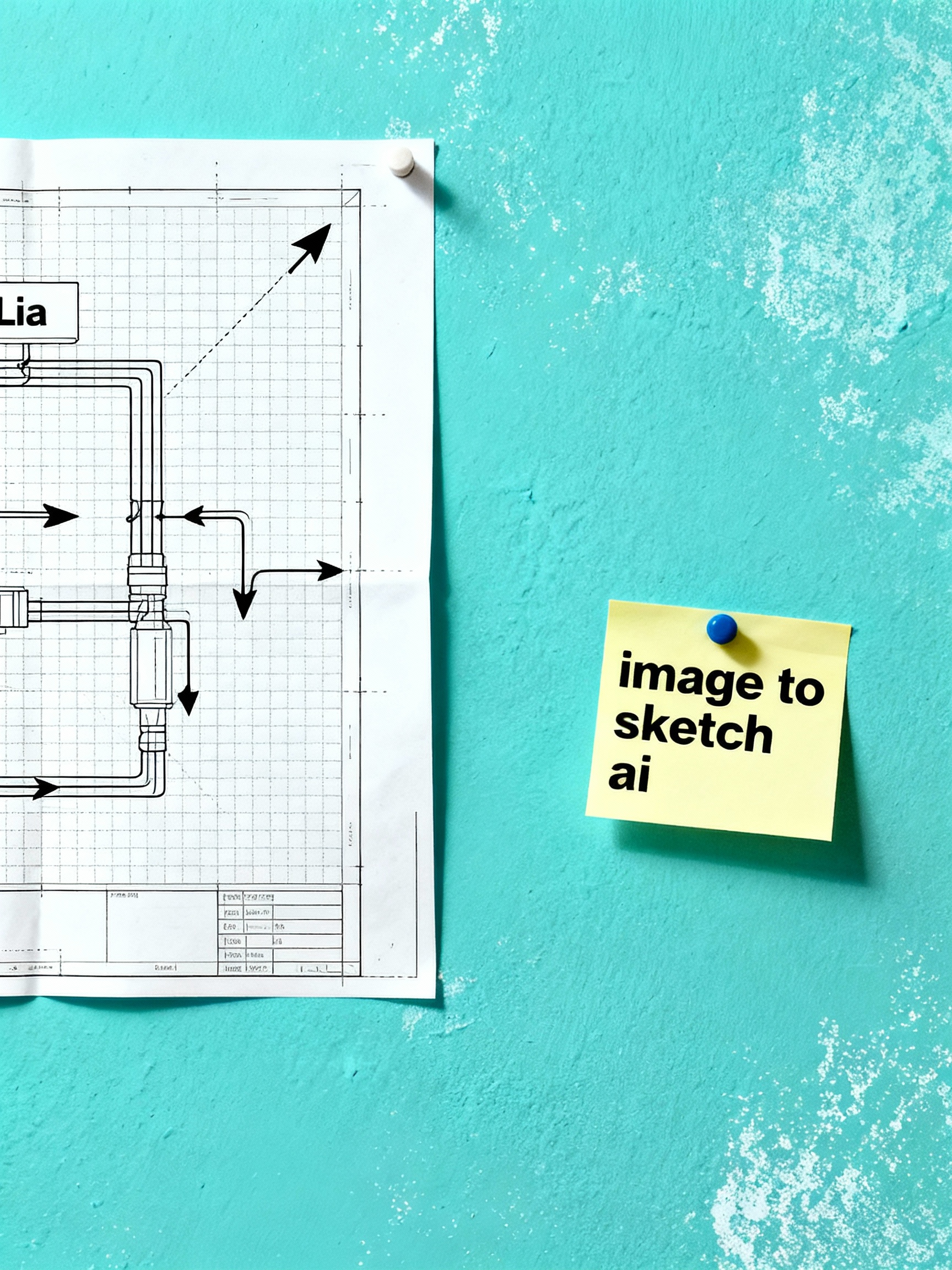
Mural de cadernos
Veja como os doodles ficam em cadernos pautados, post-its e apostilas sem sair do navegador.
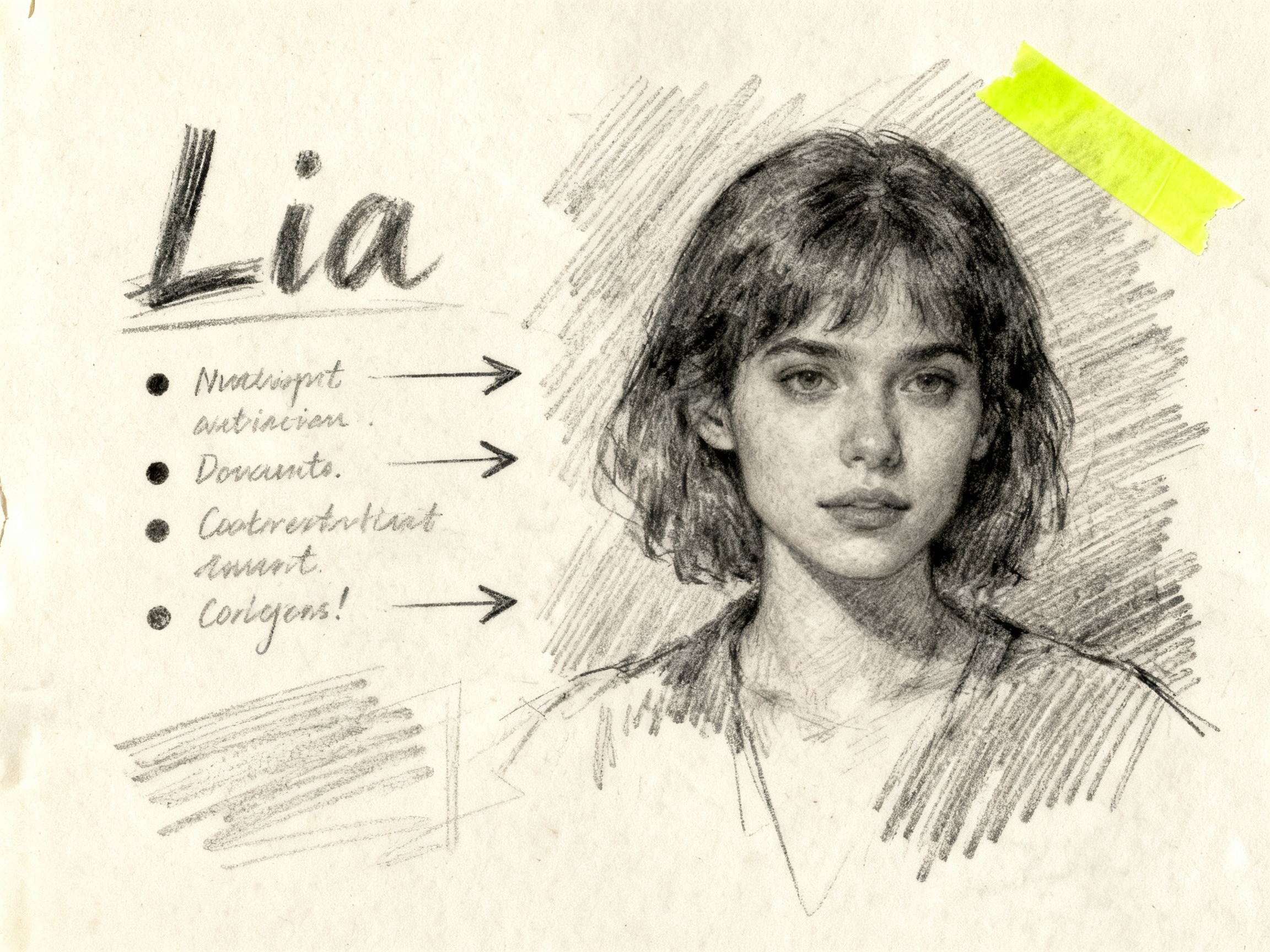
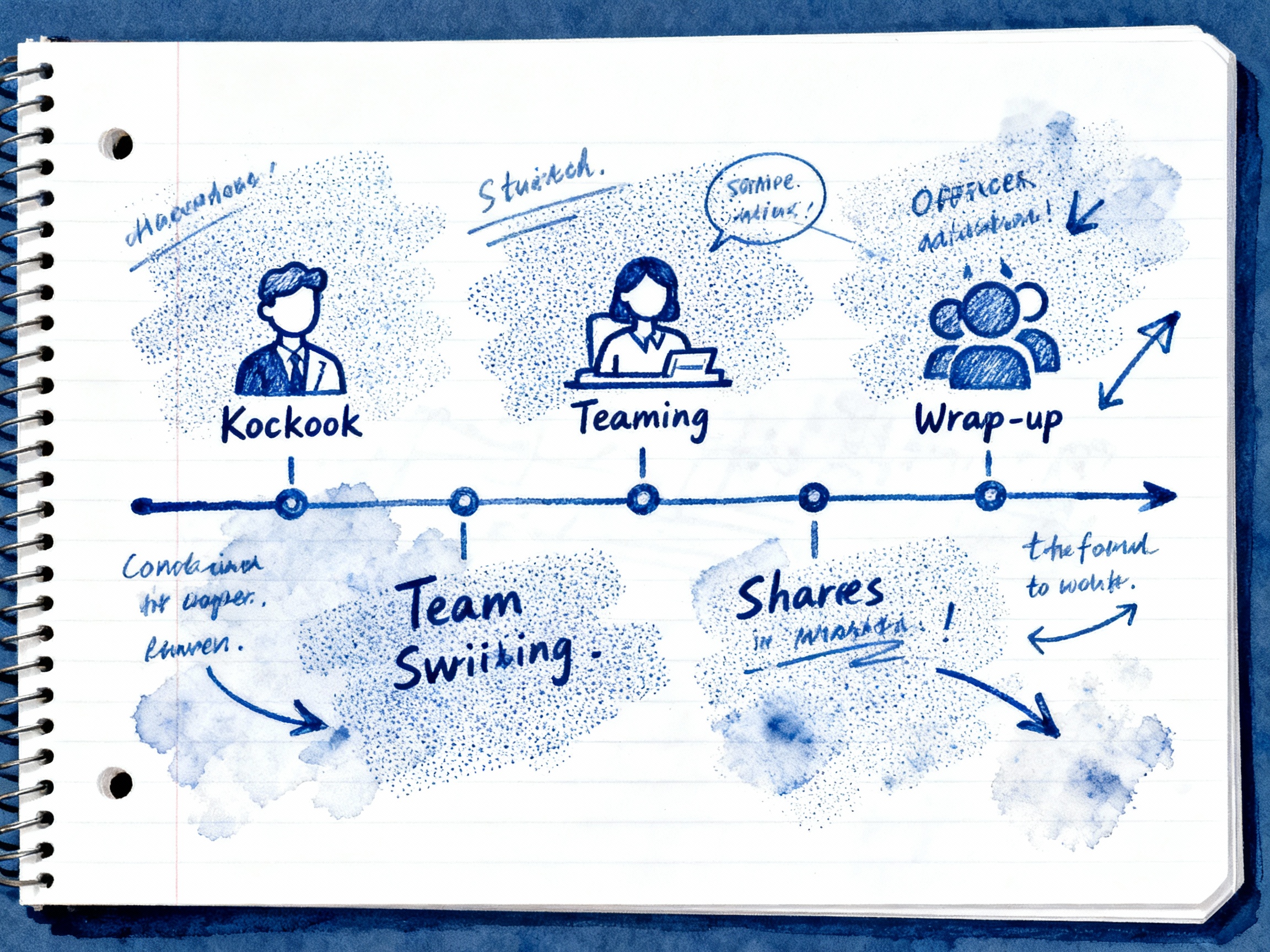
Anotações em tinta azul com setas e observações.
Wireframes de UX de baixa fidelidade em papel pontilhado.
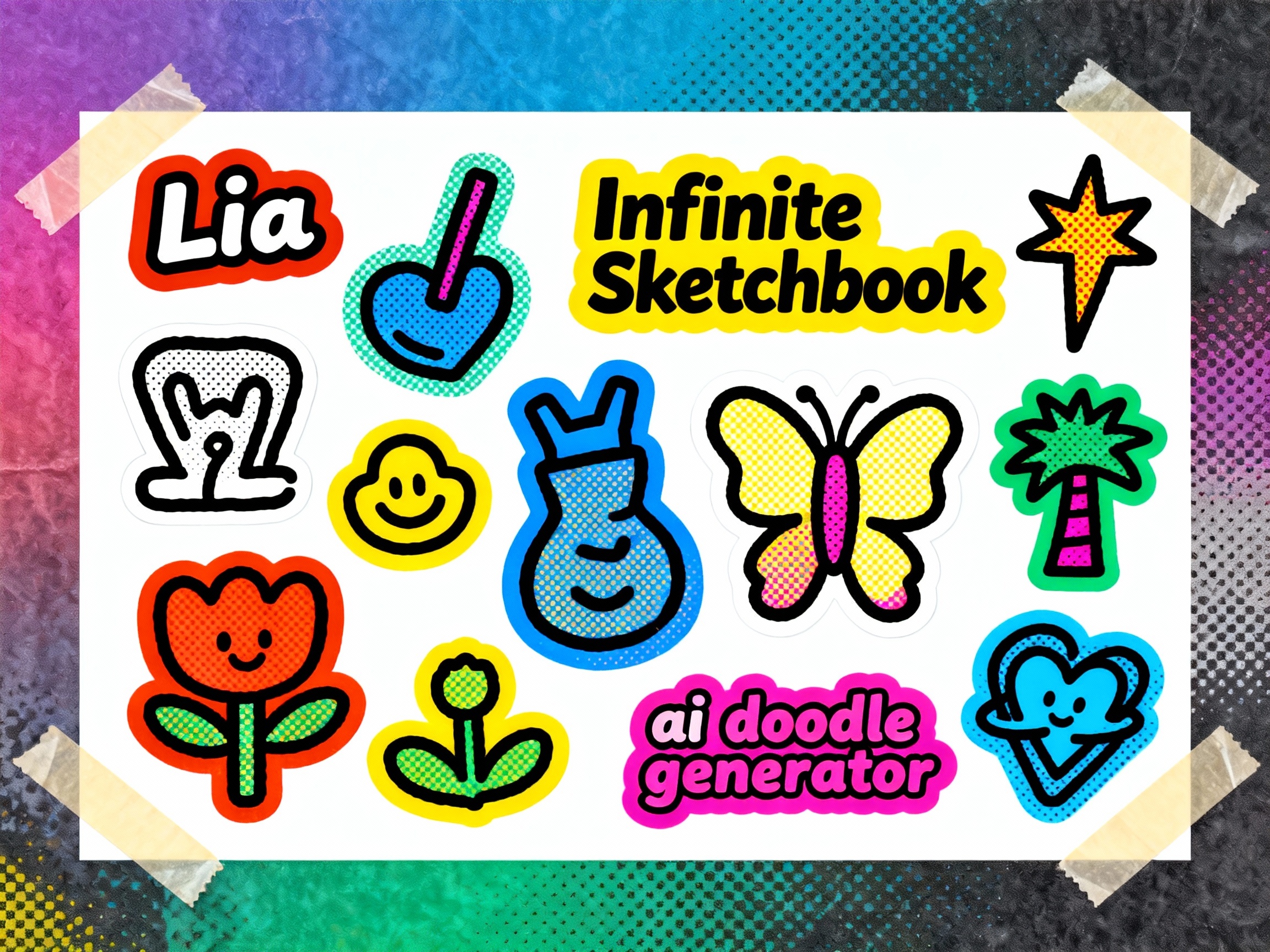
Doodles de marcador transformados em folhas de adesivos.
Mapa mental com setas, etiquetas e fita adesiva.
Estúdio
O Doodle AI Studio combina prompts, estilos de caneta e tamanhos de saída em um gerador de doodles com IA intuitivo. Comece com uma ideia ou imagem de referência, defina a direção visual, confira o custo em créditos e abra a imagem final no navegador.
Escolha estilos de Lápis, Esferográfica, Marcador, Giz de Cera, Wireframe ou Line-Art para dar uma direção visual consistente ao prompt.
Descreva no prompt um papel pontilhado, pautado, em branco ou blueprint e use uma predefinição do Pen Lab para manter a direção visual consistente.
Revise os resultados gerados e o status das tarefas na área de atividade; depois, abra um resultado novamente quando precisar.
Gere imagens verticais, quadradas e horizontais de até 2560 px e depois abra e salve o resultado pelo navegador.
Benefícios
O Doodle AI combina orientação prática de prompts, predefinições táteis e controles de imagem de referência para criar um visual desenhado à mão focado, sem montar cada prompt do zero.
As predefinições do Pen Lab adicionam ao prompt a direção de lápis, esferográfica, marcador, giz de cera, wireframe ou arte de linha antes da geração.
Como funciona
Comece com texto ou uma imagem de referência, adicione uma direção visual clara, confira o custo em créditos e depois abra e salve o resultado pelo navegador.
Descreva o assunto, o uso pretendido e os detalhes que devem aparecer na imagem.
Selecione predefinições de lápis, esferográfica, marcador, giz de cera ou wireframe e deixe o gerador aplicar texturas e paletas.
Mude para remix de imagem e envie até quatro referências quando o assunto ou a composição precisarem permanecer reconhecíveis.
Abra o resultado gerado em tamanho completo e salve o arquivo de imagem entregue ao navegador.
Ferramentas do Doodle AI
Use o mesmo gerador para doodles baseados em prompt, remixes com imagem de referência e anotações visuais em alta resolução, com custos de crédito transparentes.
Predefinições de lápis, esferográfica, marcador, giz de cera, wireframe e arte de linha dão uma direção consistente a cada prompt.
Crie imagens quadradas, verticais e horizontais com predefinições de tamanho de até 2560 px.
Envie até quatro referências e descreva o que o doodle gerado deve preservar ou alterar.
Escolha dimensões quadradas, verticais ou horizontais para anotações, slides, folhas de atividades e layouts criativos.
Confira o status da geração e reabra resultados concluídos pela área de atividade da sua conta.
Confira o custo antes de gerar; se uma tarefa falhar, os créditos serão devolvidos automaticamente.
Guia de fluxo
Escolha um ponto de partida que combine com o material que você já tem: uma ideia escrita, uma foto de referência ou uma página de anotações.
Ideal quando você conhece a ideia, mas não tem uma imagem de referência
O que o Doodle AI acrescenta
Ideal quando o assunto, a pose ou a composição precisam continuar reconhecíveis
O que o Doodle AI acrescenta
Ideal para aulas, recaps de reunião e explicações simples de processos
O que o Doodle AI acrescenta
Transforme ideias, fotos e anotações em visuais desenhados à mão com ferramentas criativas do Doodle AI.
Use uma foto como referência para criar um visual em estilo doodle.
Encontre prompts estruturados para orientar sua próxima imagem em estilo doodle.
Converta ideias de anotações em prompts para visuais claros e ilustrados.
FAQ
Veja como usar prompts, imagens de referência e estilos, entender os créditos e salvar seus resultados.
Precisa de ajuda? Escreva para nós em hello@doodleai.net
Reúna prompts, predefinições de estilo, custos em créditos e resultados de imagem em um fluxo inspirado em sketchbooks para aulas, anotações, adesivos e slides.