
Is this a complete prompt library?
This page offers interactive starting presets. Visit the prompt library when you want a broader collection of ideas and examples.
AI Doodle Prompt Generator
Pick a starting direction, add your subject, and generate a hand-drawn visual for notes, stickers, or creative learning materials.
Interactive doodle presets
Choose a visual direction below and use the included prompt as a practical starting point for your own subject.
188 / 2000
Choose a visual direction below and use the included prompt as a practical starting point for your own subject.
Tap a preset to auto-inject the Pen Lab chemistry before your prompt. Perfect for staying on-brand without touching advanced parameters.
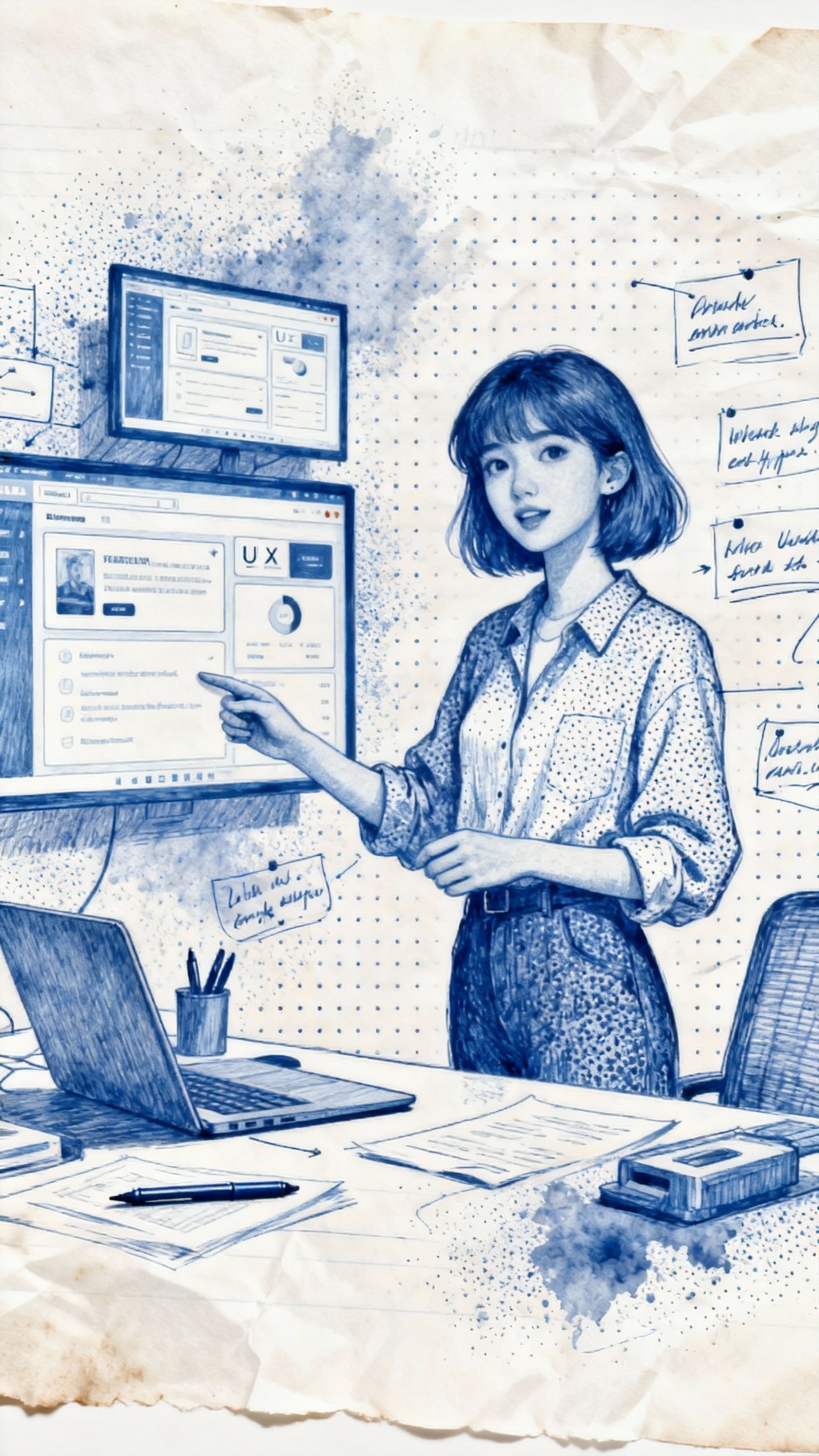 Sample doodle output
Sample doodle output
A few concrete choices help turn a broad topic into an illustration with a clear purpose.
Name the object, concept, scene, or lesson idea you want at the center of the image.
Specify labels, arrows, a border, icons, or steps when the image needs to explain something.
Describe ink, pencil, marker, color accents, paper, and line weight to guide the final look.
This page offers interactive starting presets. Visit the prompt library when you want a broader collection of ideas and examples.
Include the main subject and intended use first, then add style details such as labels, colors, lines, or layout.
They are useful for visual notes, study aids, lesson graphics, sticker concepts, and creative planning.