
Graphite Notebook
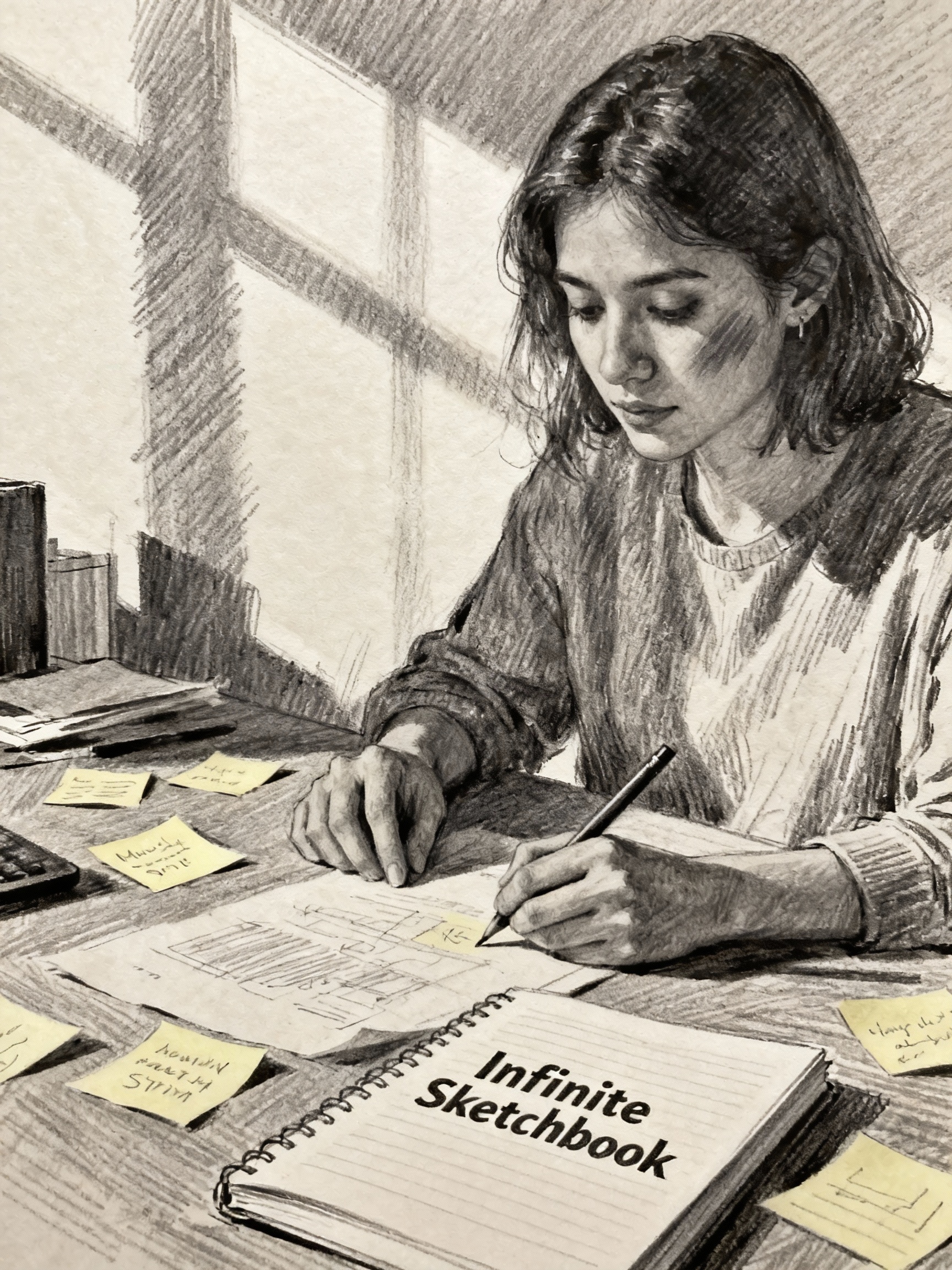
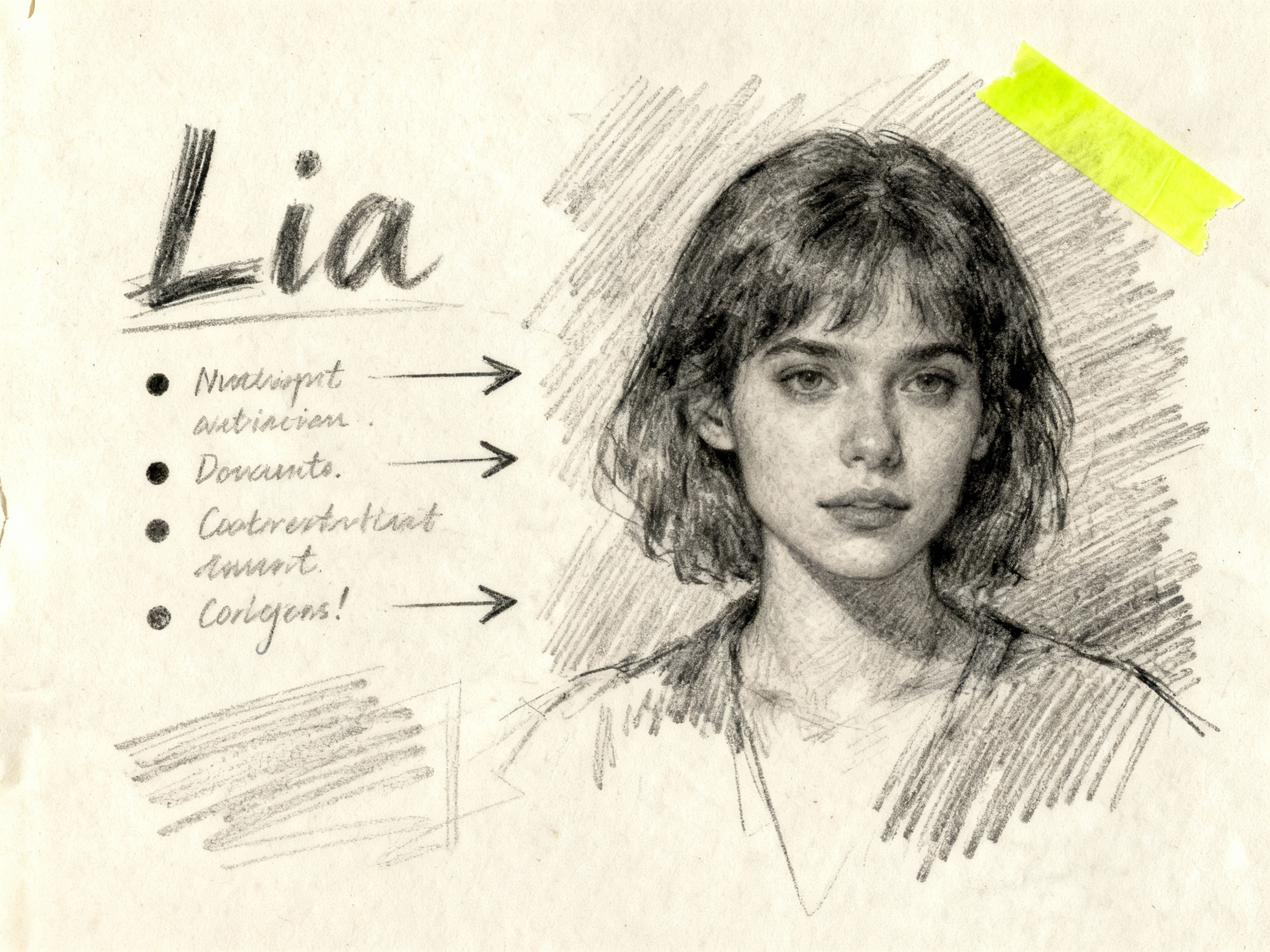
Loose graphite strokes with pressure variance, perfect for storyboards and lecture sketches.
Adds “rough graphite sketch, pencil texture, hatch shading, muted paper grain” to every prompt.
Doodle AI turns plain-language ideas and reference images into hand-drawn visuals. Choose a pencil, marker, crayon, wireframe or line-art preset, then open and save image results for notes, lessons, stickers and slides.
Infinite Sketchbook Lab
Describe a sticker, wireframe or lesson doodle in plain language. Doodle AI combines your idea with a Pen Lab style and your chosen output size.
0 / 2000
Tap a preset to auto-inject the Pen Lab chemistry before your prompt. Perfect for staying on-brand without touching advanced parameters.
 Sample doodle output
Sample doodle output
Pen Lab
Pick a tactile preset to add prompt directions for hatching, ink texture and paper style. No sliders or manual prompt rewriting.
Loose graphite strokes with pressure variance, perfect for storyboards and lecture sketches.
Adds “rough graphite sketch, pencil texture, hatch shading, muted paper grain” to every prompt.
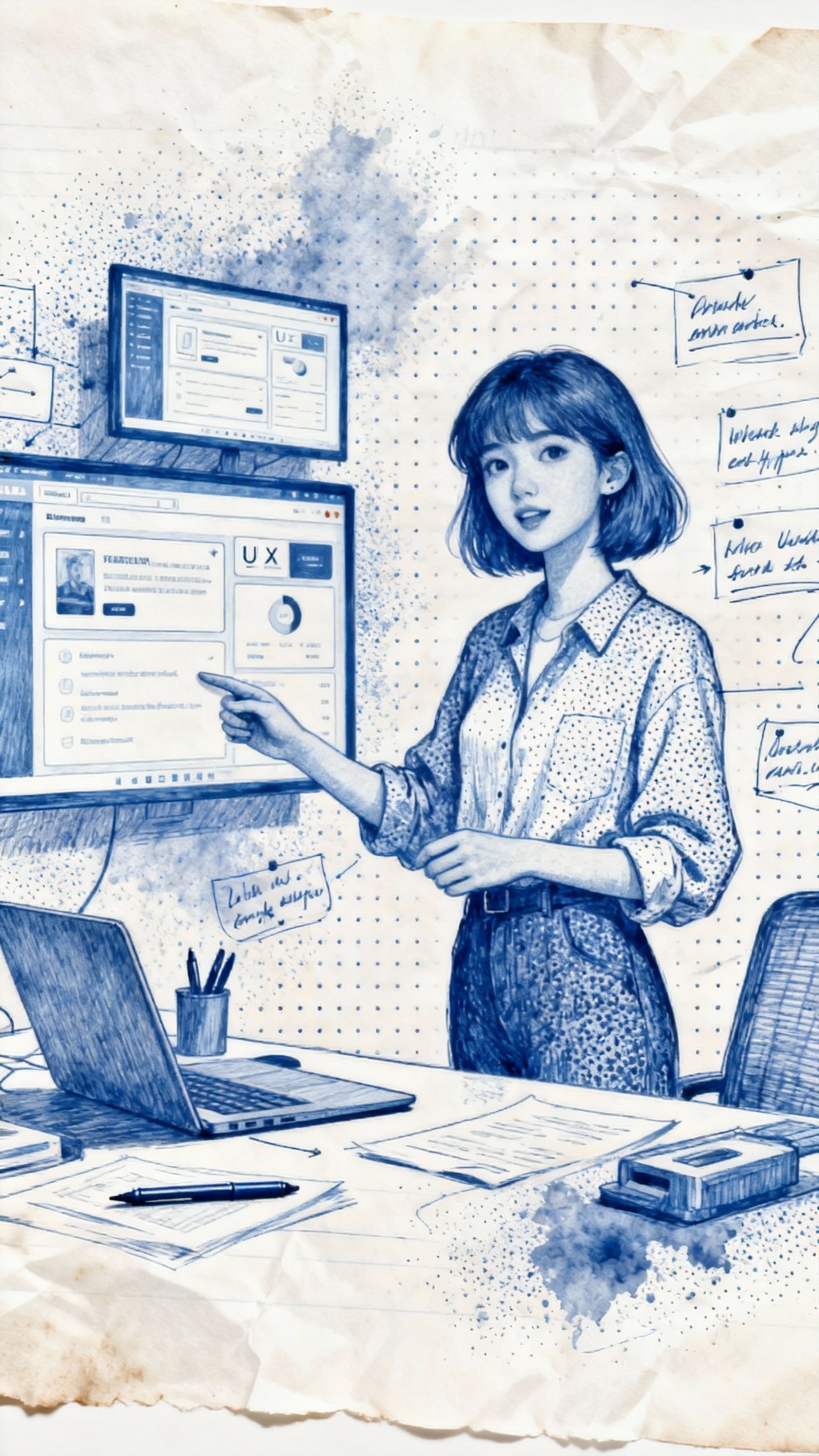
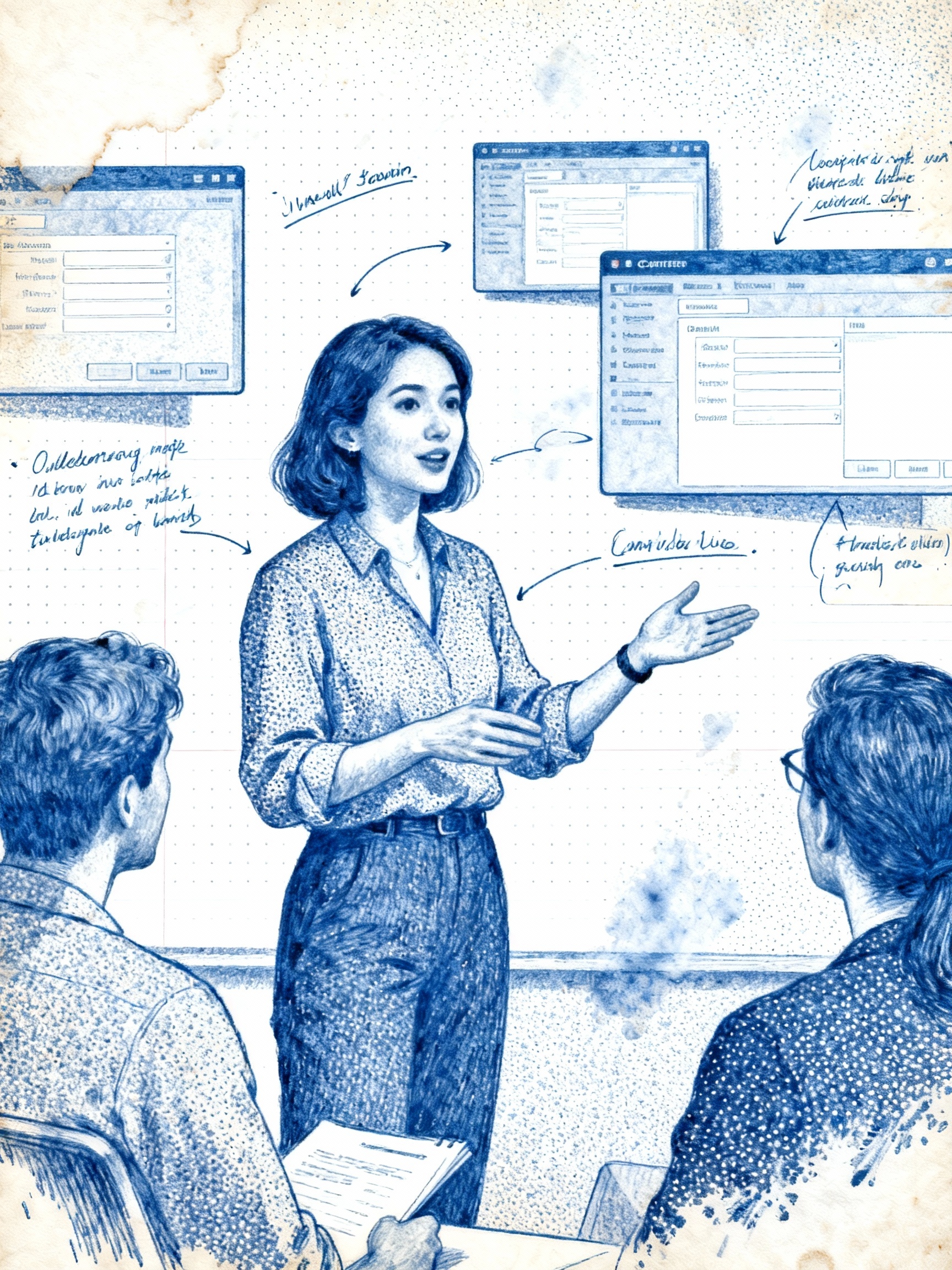
Office-paper vibe for UX wireframes and meeting notes, complete with stippling and ink bleeds.
Auto-injects “blue ballpoint ink, stippling, office paper, toner smudge” plus white margin spacing.
Sharpie-style fills with bold outlines and posterized shading for stickers and slides.
Adds “thick marker, solid fill, bold outline, risograph speckle, drop shadow tape corners”.
Playful waxy texture for education visuals and coloring-page concepts.
Adds “waxy crayon, kids art, uneven pigment, off-register print, clean white border”.
Low-fidelity UI lines with blueprint grids for fast ideation.
Adds “lo-fi wireframe, blueprint grid, mono weight stroke, margin annotations”.
Adds a clean black-outline direction for coloring pages and simple line-art concepts.
Adds “single weight black line, no fill, clean outlines, printable coloring book” to the prompt.
Swipe through notebooks, sticker sheets and classroom spreads to see how the ai doodle generator lands on paper.
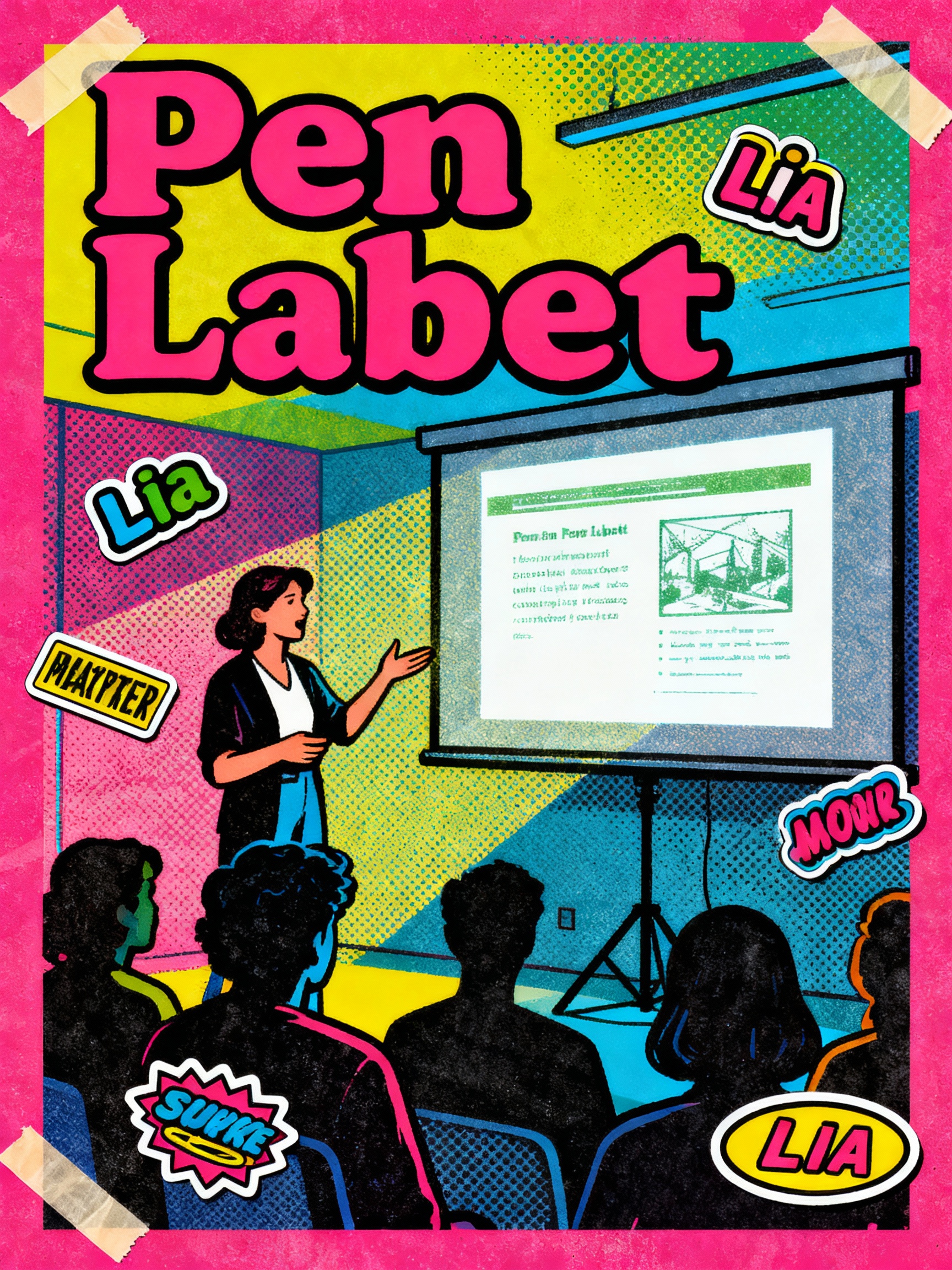
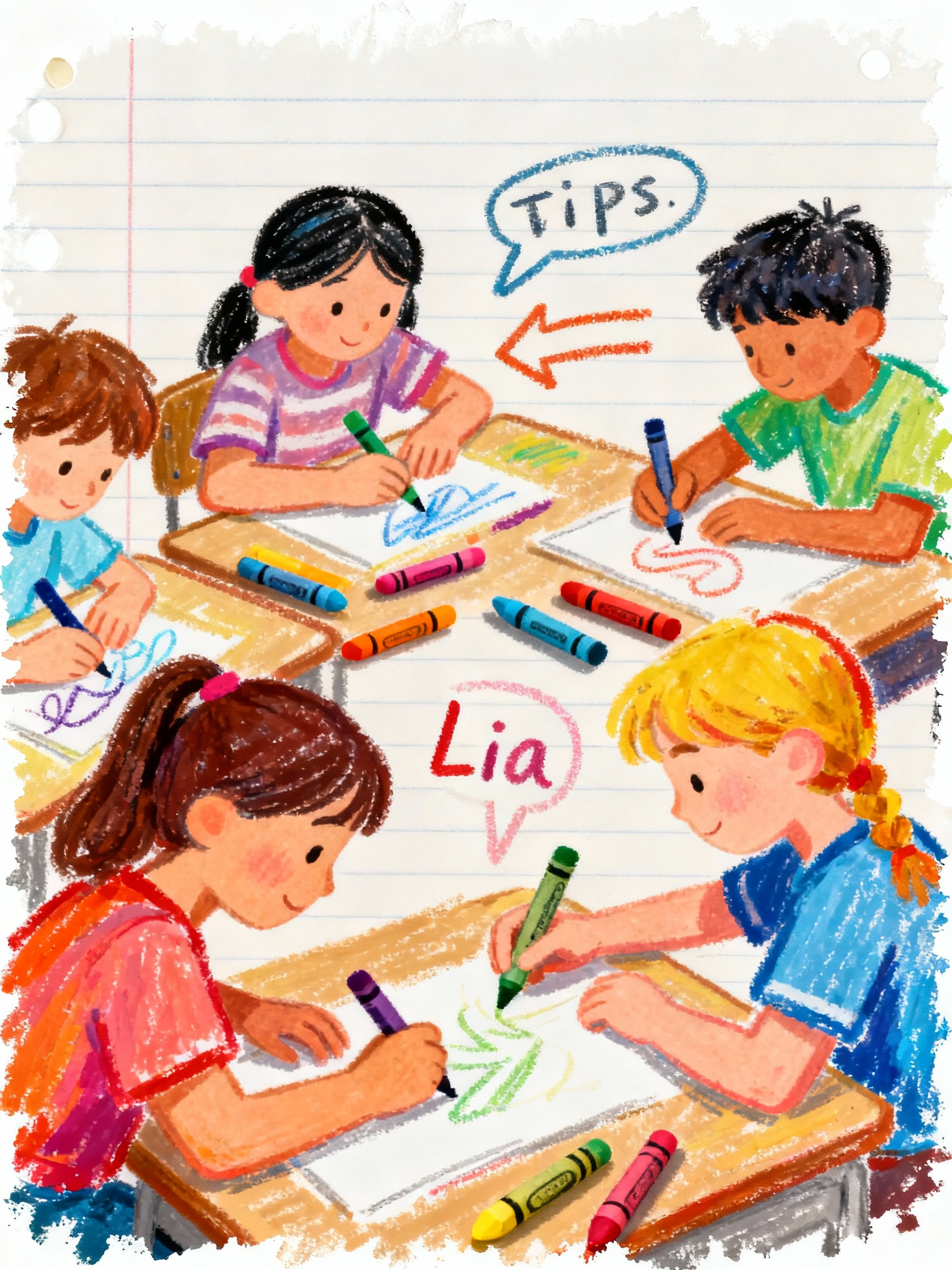
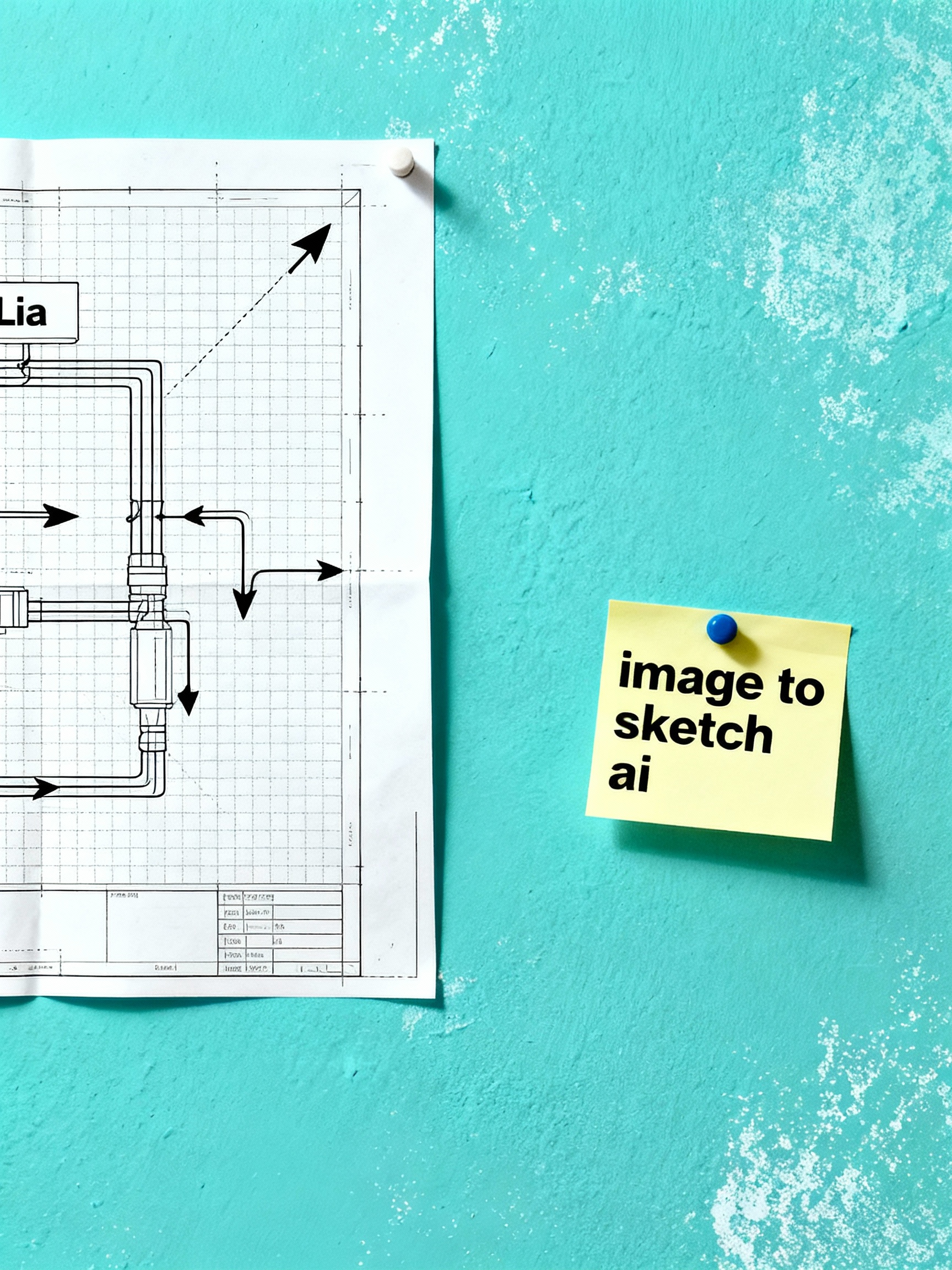
Notebook wall
See how doodles land on lined notebooks, sticky notes and workbooks without leaving the browser.
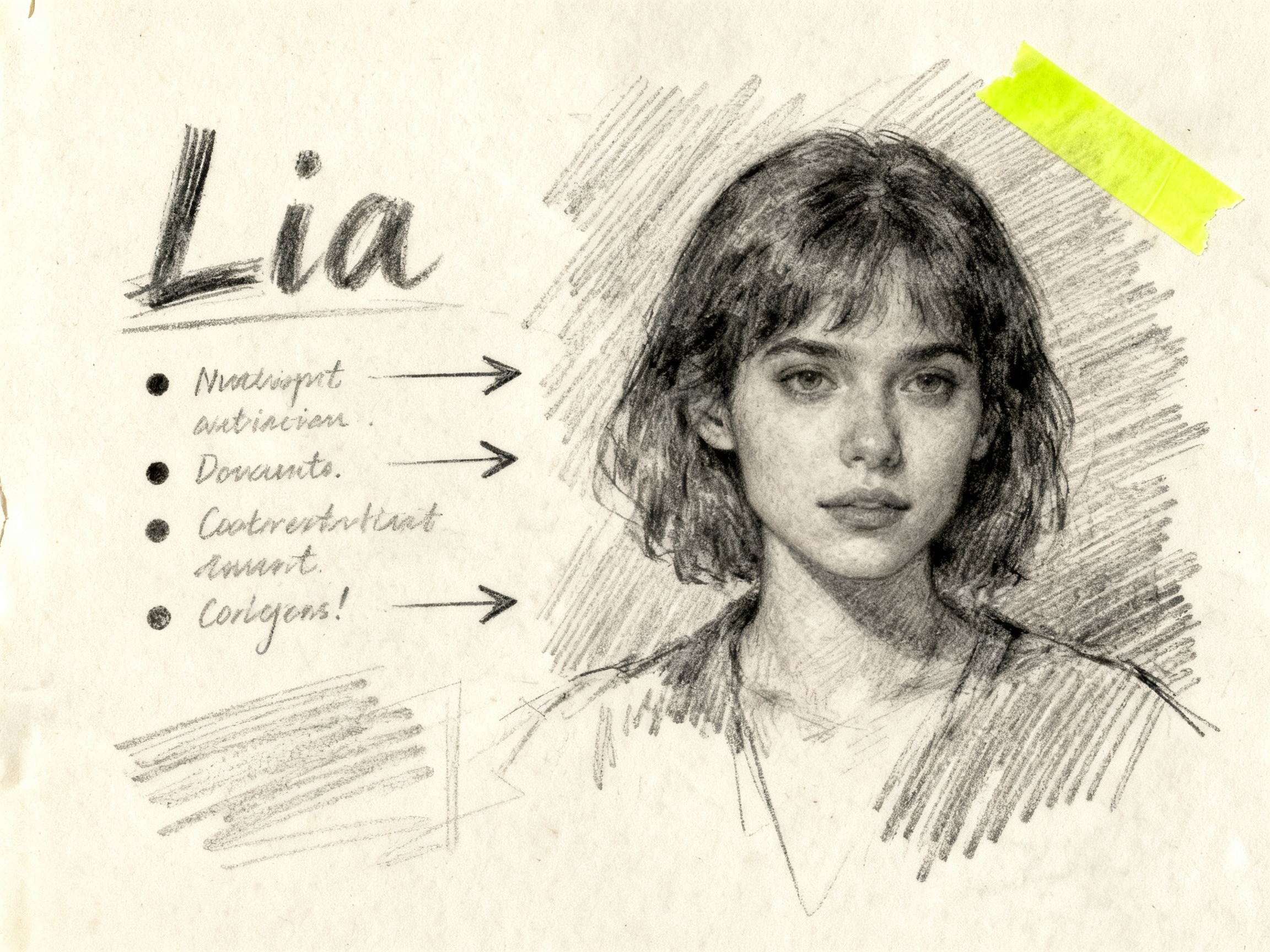
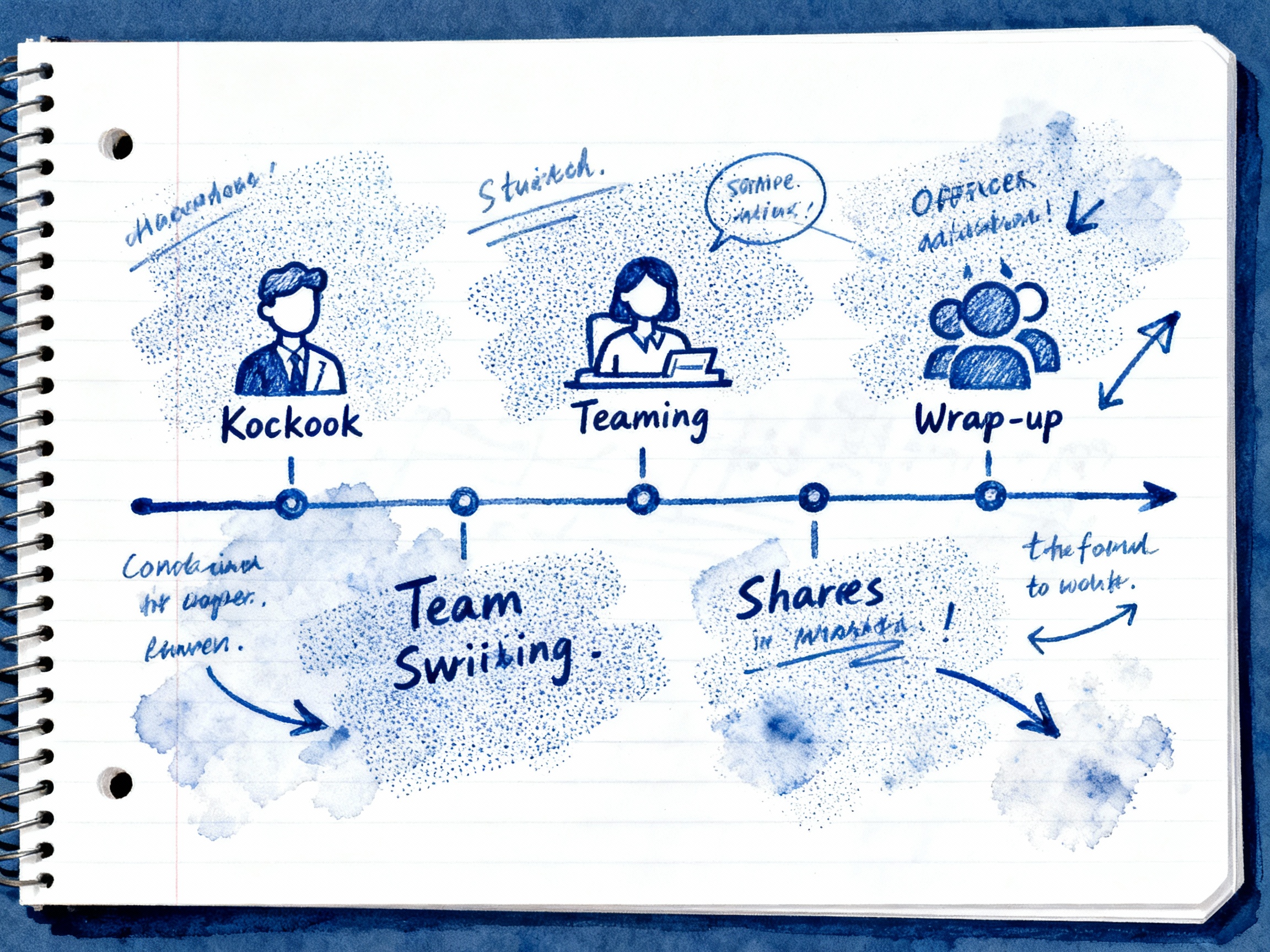
Blue ink notes with arrows and annotations.
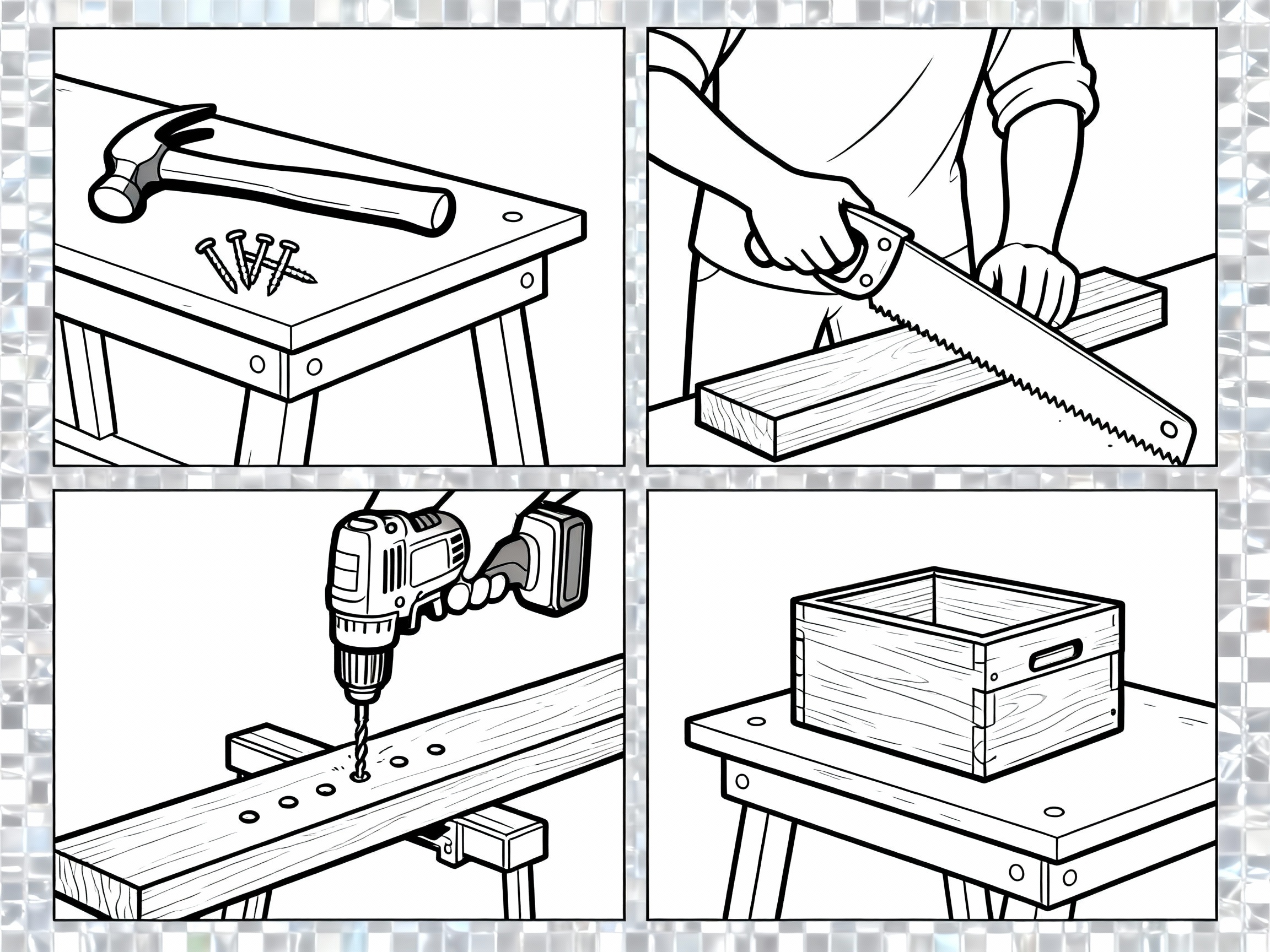
Lo-fi UX wireframes on dotted paper.
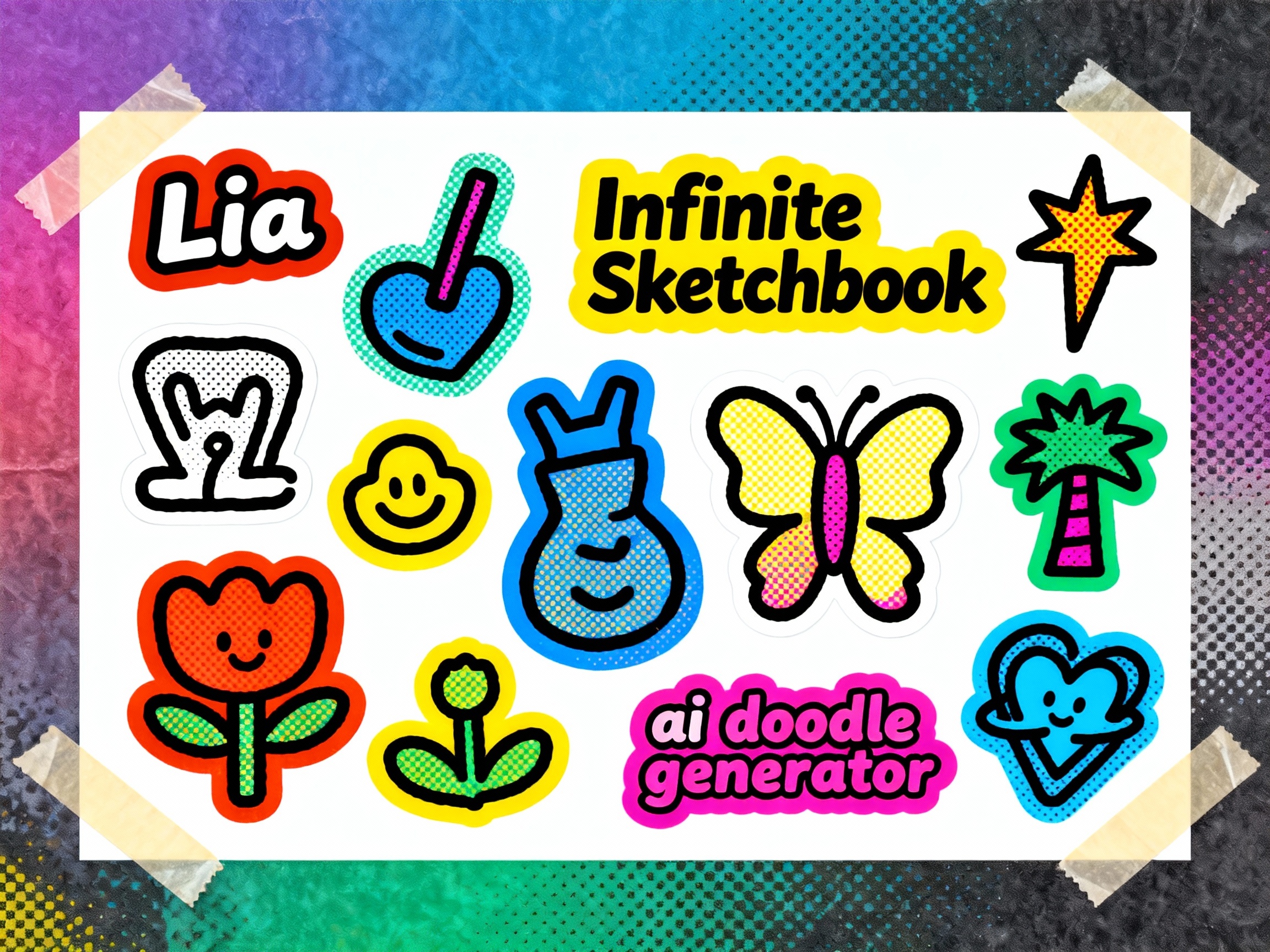
Marker doodles turned into sticker sheets.
Mind map with arrows, tags and sticky tape.
Studio
Doodle AI Studio combines prompts, pen styles and output sizes in one friendly AI doodle generator. Start with an idea or reference image, shape the art direction, review the credit cost and open the finished image in your browser.
Pick Pencil, Ballpoint, Marker, Crayon, Wireframe or Line-Art styles to add a consistent visual direction to your prompt.
Describe dotted, lined, blank or blueprint paper in your prompt, then use a Pen Lab preset to keep the visual direction consistent.
Review generated results and task status from your activity area, then open a result again when you need it.
Generate portrait, square and landscape image results up to 2560 px, then open and save them from your browser.
Benefits
Doodle AI combines practical prompt guidance, tactile presets and reference-image controls so you can create a focused hand-drawn look without building every prompt from scratch.
Pen Lab presets add pencil, ballpoint, marker, crayon, wireframe or line-art direction to your prompt before generation.
How it works
Start from text or a reference image, add a clear visual direction, review the credit cost, then open and save the result from your browser.
Describe the subject, intended use and details that should appear in the image.
Select pencil, ballpoint, marker, crayon or wireframe presets and let the ai doodle generator apply textures and palettes.
Switch to image remix and upload up to four references when the subject or composition should stay recognizable.
Open the generated result at full size and save the image file delivered to your browser.
Doodle AI tools
Use the same generator for prompt-based doodles, reference-image remixes and high-resolution visual notes with transparent credit costs.
Presets for pencil, ballpoint, marker, crayon, wireframe and line art add a consistent direction to each prompt.
Create square, portrait and landscape image results with size presets up to 2560 px.
Upload up to four references and describe what the generated doodle should preserve or change.
Choose square, portrait or landscape dimensions for notes, slides, worksheets and creative layouts.
Check generation status and reopen completed results from your account activity area.
Review the cost before you generate; if a task fails, its credits are returned automatically.
Workflow guide
Choose a starting point that matches the material you already have: a written idea, a reference photo or a page of notes.
Best when you know the idea but do not have a reference image
What Doodle AI adds
Best when a subject, pose or composition should stay recognizable
What Doodle AI adds
Best for lessons, meeting recaps and simple process explanations
What Doodle AI adds
Choose a focused tool for turning photos into sketches, shaping a visual idea, or building clearer doodle notes.
FAQ
Learn how prompts, reference images, drawing styles, credits, and saving results work before you create a doodle.
Need help? Email us at hello@doodleai.net
Keep prompts, style presets, credit costs and image results in one sketchbook-inspired workflow for lessons, notes, stickers and slides.