
What kind of photo works best?
Clear photos with one main subject give the generator a more focused starting point for a doodle interpretation.
Photo to Doodle Generator
Upload a reference image, choose a visual direction, and create a doodle for a notebook page, sticker idea, or lesson visual.
Photo-inspired doodle prompts
Use one of these starting prompts with a reference image, then adjust the details to fit your subject.
189 / 2000
Use one of these starting prompts with a reference image, then adjust the details to fit your subject.
Tap a preset to auto-inject the Pen Lab chemistry before your prompt. Perfect for staying on-brand without touching advanced parameters.
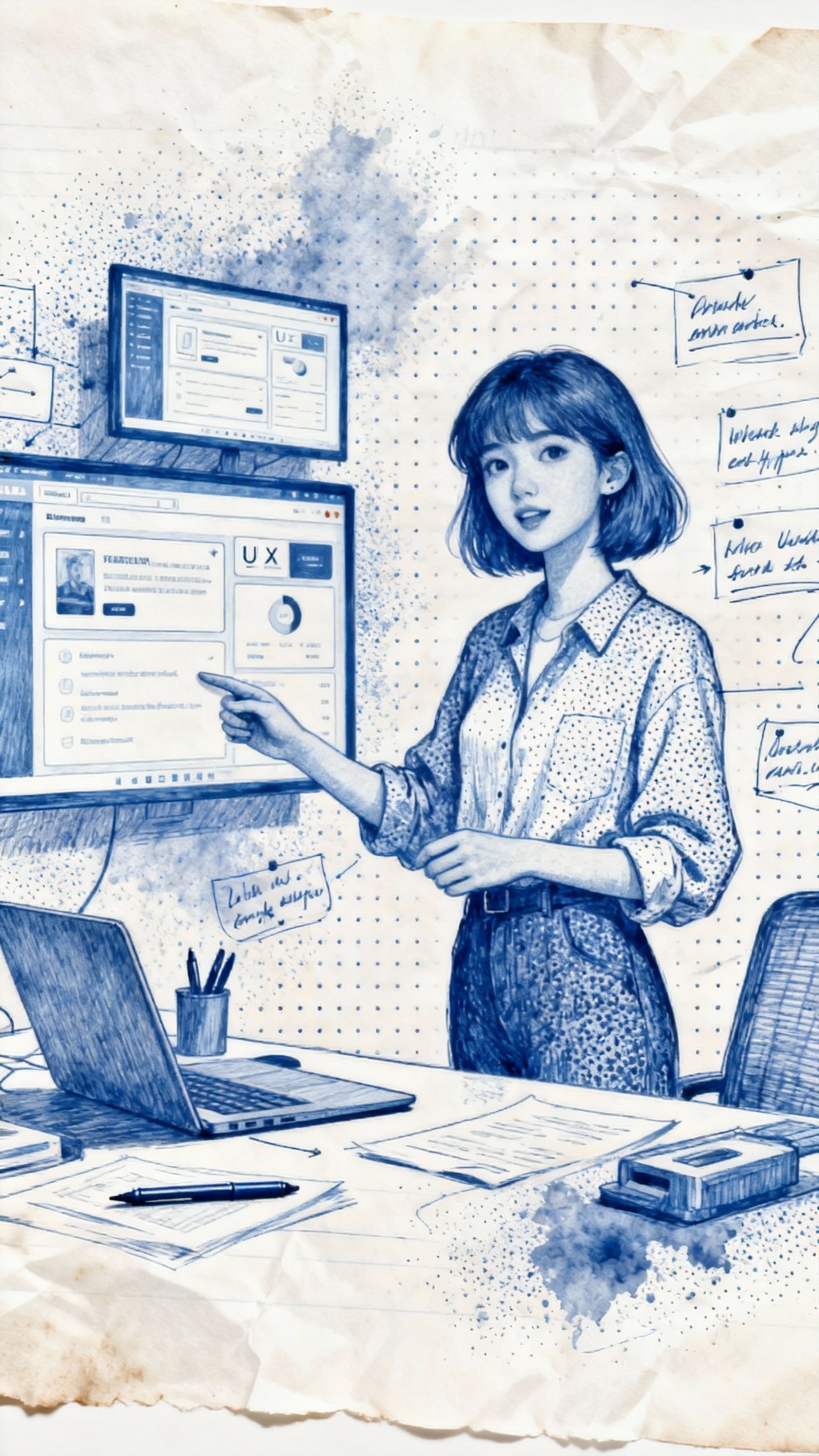 Sample doodle output
Sample doodle output
A strong reference and a focused prompt make the final drawing easier to use in your project.
Use a photo with a recognizable person, object, place, or scene as the main focus.
Ask for details such as black ink, marker color, labels, arrows, or a sticker border.
Mention whether the doodle is for notes, a lesson visual, a sticker, or another layout.
Clear photos with one main subject give the generator a more focused starting point for a doodle interpretation.
Yes. Describe the look you want, such as pencil sketch, bold marker, black ink, labels, or sticker-style outlines.
Use it as a visual starting point for notes, learning materials, creative layouts, or personal sticker concepts.